
Developer experience with TRMNL
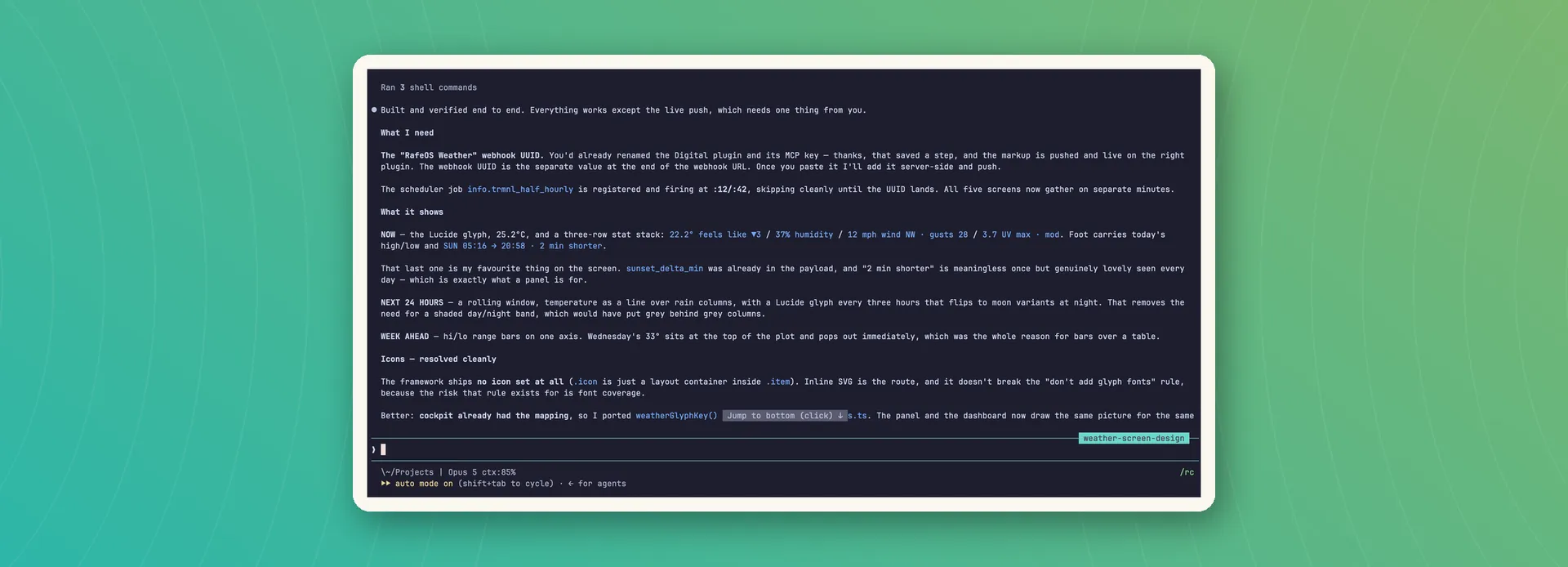
Five e-ink screens built in one day. What made it quick was a platform built to be legible to agents.

Five screens, one day
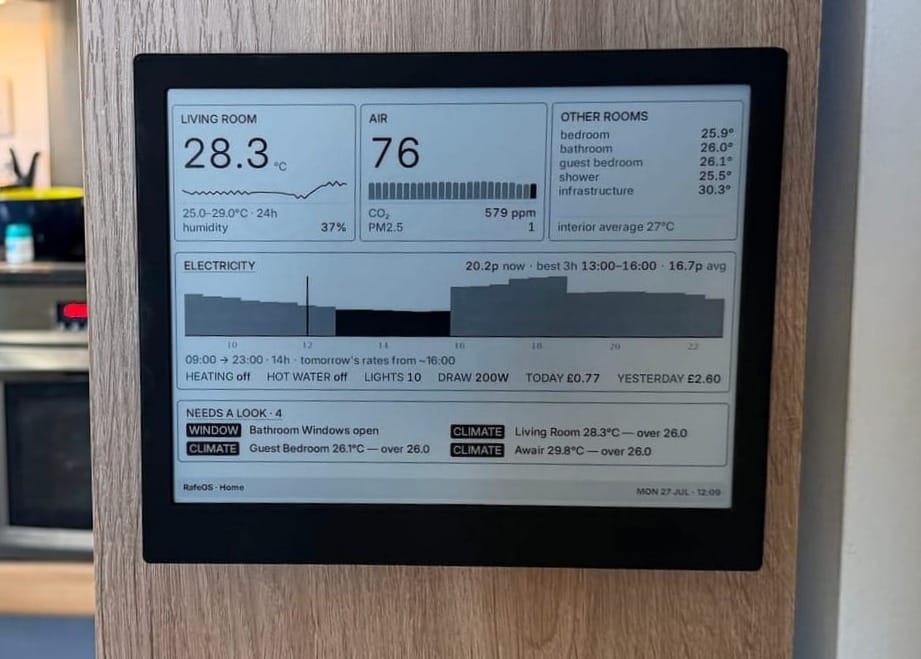
There's a TRMNL X e-ink panel on my wall now, showing five screens from RafeOS, the system I am experimenting with to run my life (and better understand AI). What belongs on an e-ink panel is an earlier post, this one is more some notes from the story of the build.
I was able to go, in a single day, from never having used TRMNL's platform to having a device on the wall showing five custom screens. The speed came from three things meeting: using the APIs (verbs) RafeOS already had, a platform (including a framework, design system, and documentation) that TRMNL has deliberately made legible to machines and agents, and Claude Code as the harness joining them and doing the execution. I don't think any one of the three gets there alone.
Nothing new underneath
The RafeOS layer didn't change. All the information on all five screens came from APIs that already existed. The briefing screen alone reaches into a dozen or so sources (Oura, Withings, Apple Health, Google Calendar, Gmail, WhatsApp, Tasks, Home Assistant, Octopus Agile pricing, TfL, Open-Meteo), so this clearly saved a lot of time (and was a satisfying validation of a composable approach to my personal ecosystem).
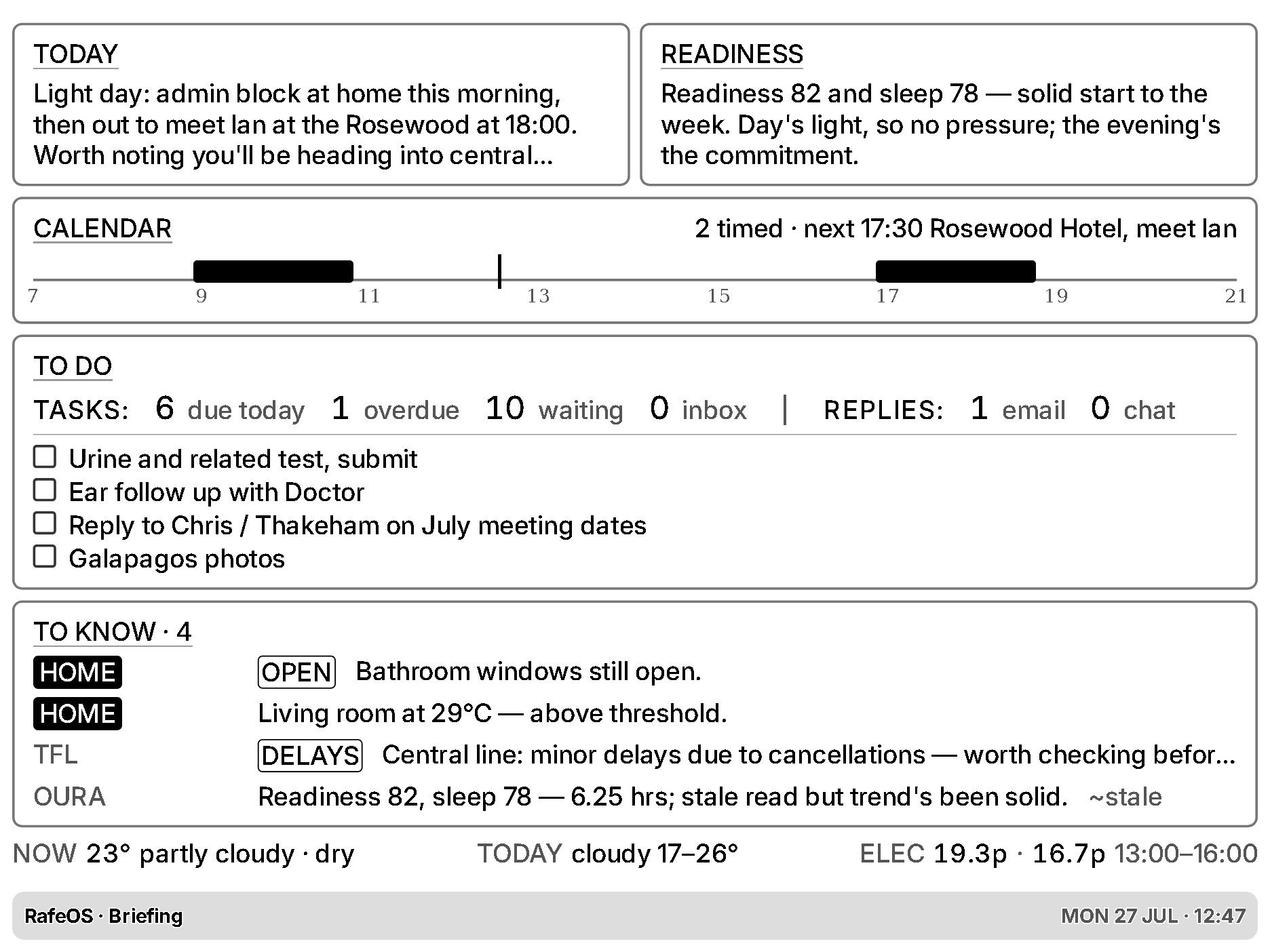
What did get written: renderers, templates, shared transport code, push endpoints, a CLI verb for TRMNL, tests, and a preview harness. Presentation, end to end. Delivery of data from RafeOS into TRMNL's platform is intentionally push (webhook approach) rather than poll because the RafeOS API isn't reachable from the public internet and I wasn't going to change that for an e-ink screen.
The preview harness really earned its place, repeating a lesson I've had elsewhere in agentic development. Each screen can be rendered locally in headless Chrome against a real payload, so reviewing a change, whether by agent or human, took seconds rather than a device refresh. Being able to see the thing without touching the wall is one of the reasons the loop was fast, and a key for fast validation (TRMNL does have their own system for this too, but Claude opted to use tools it already had access to).
What Claude got wrong, and what it kept
Claude made mistakes along the way and the interesting thing about them is their shape. Mostly plausible rather than random: an icon drawn from memory that came out almost right, template constructs that looked idiomatic and silently did nothing. A human wouldn't make most of these errors, but would make different ones (lots, if you're me). What stood out for me is that the loop caught the machine-shaped mistakes the same way it caught mine, and iterated through them. This working method has its own post; for me this build just added evidence.
Another observation: as we went along, Claude Code created its own notes, including the ubiquitous CLAUDE.md file. Some of the workflows were saved into a skill, and the lessons into memory. The last screen took maybe a third of the time of the first, and I'm confident it will be even easier to create more screens or edit what's already there. Like the models, the harnesses are improving rapidly, a notable step up from earlier this year.
Documentation and tools written for machines
TRMNL's documentation serves a Markdown version of every page, with an index at the root. Claude fetched the index, pulled the pages that mattered, and had a working model of the platform in about twenty minutes. I've onboarded onto a lot of platforms. Twenty minutes is not a human number. A person coming to a new system skims and guesses, and reads a fraction of the documentation; the agent read the whole relevant tree and held it. Scary fast and scary good, even allowing for failure modes a human wouldn't have.
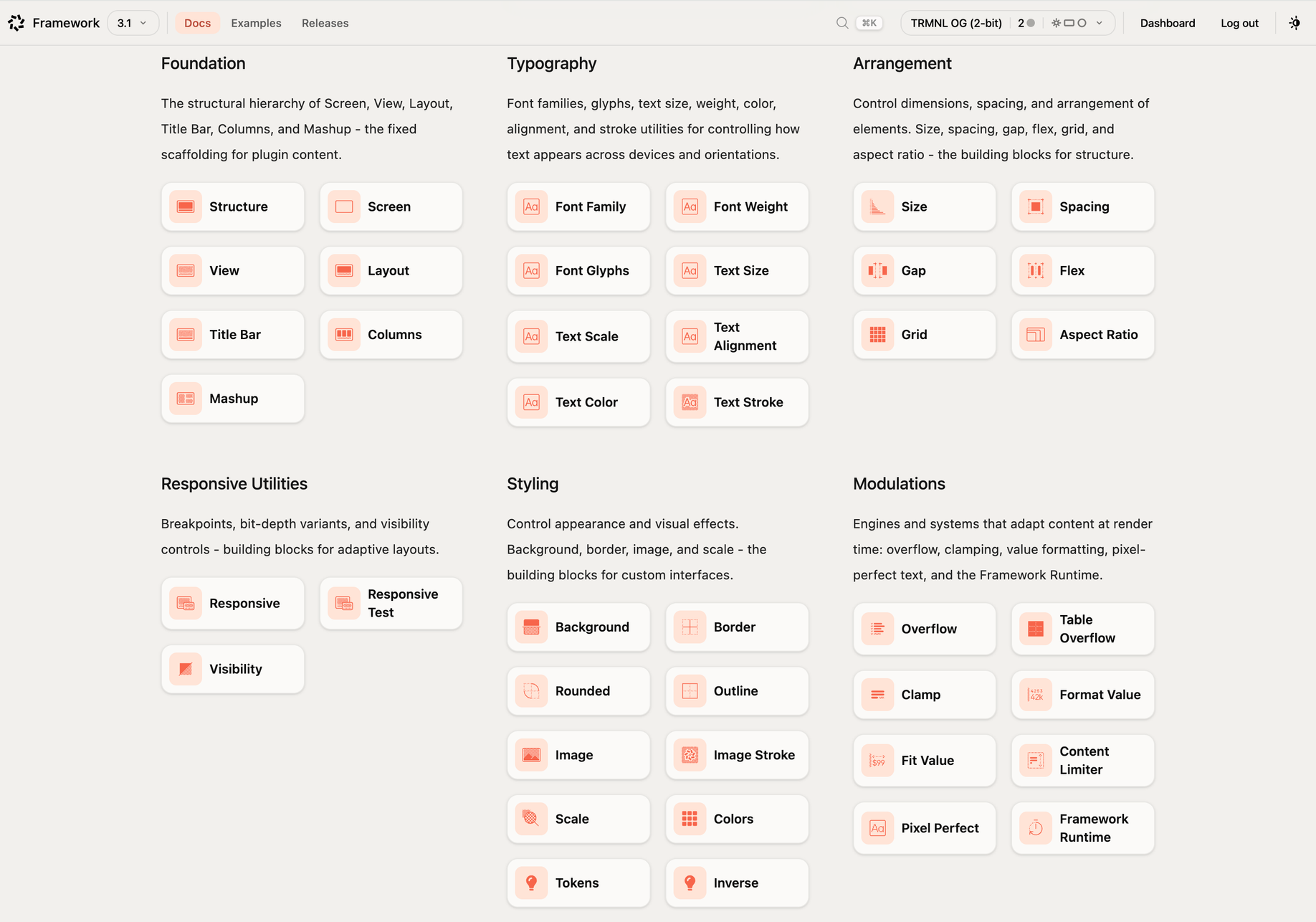
TRMNL also provide an MCP server for agents to create, edit and interact with plugins (which are what render the screens). This included a linter that validated markup and explained any mistakes, a canonical example fetchable as a tool call, and a render log that was helpful for troubleshooting.
The lesson? Agent-friendly documentation orients you; agent-accessible feedback is what makes it quick. I've argued that the web is splitting into one for people and one for machines. TRMNL has also given a great deal of attention to the human side too (and the hybrid version). This build is what it looks like when a company has built both, and it definitely caught my attention.
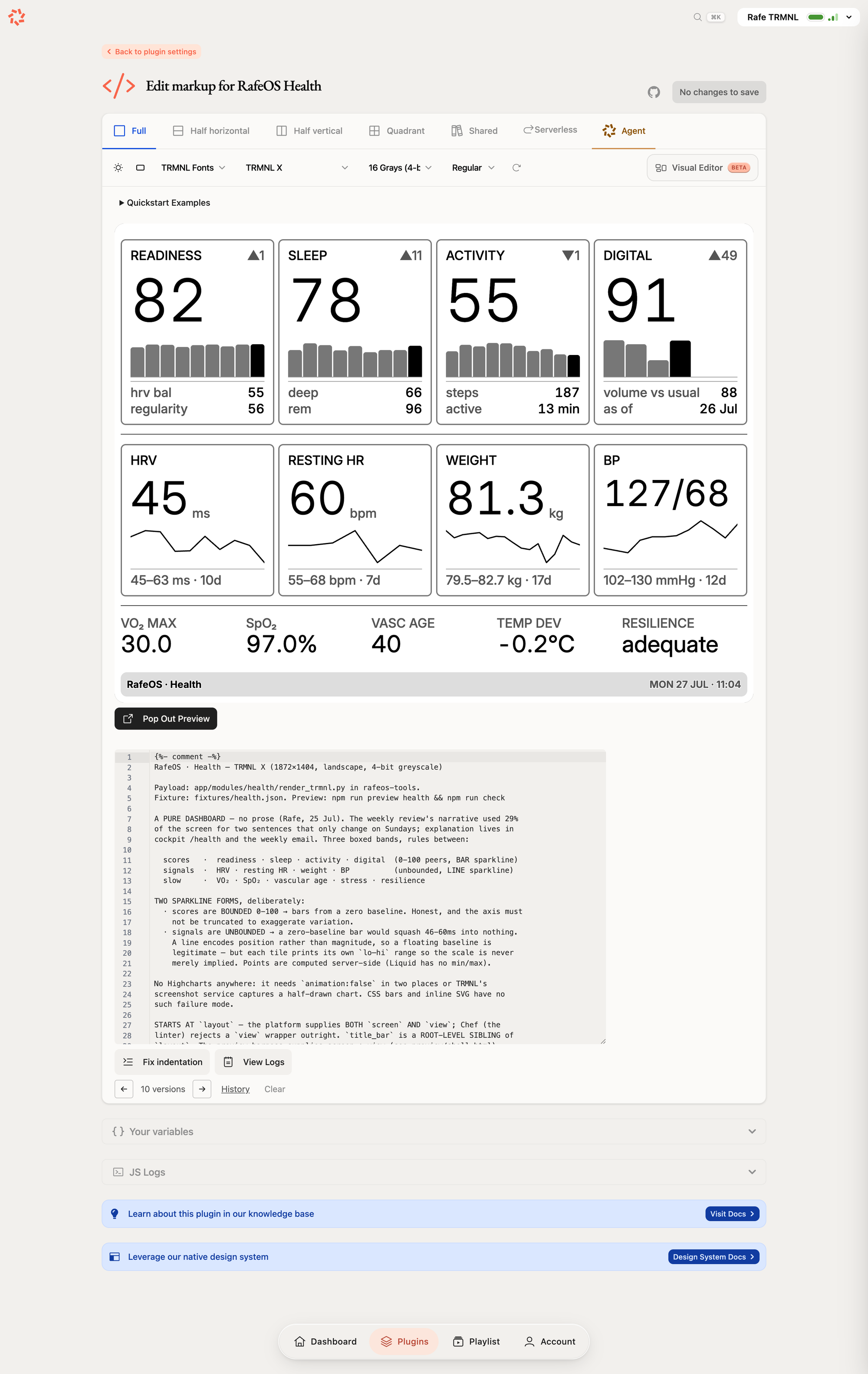
So a shoutout to TRMNL. They've opened the platform up about as far as they could and made things very agent friendly (I also like their approach to self-hosted BYOS and BYOD). I'm not surprised that AI is changing the expectations and requirements of developer experience (DX), but it was still startling to see it in action.
Which is the part I'd take into any other product, internal or external. If your documentation, your examples and your error messages are all things an agent can reach, you get built on. If they aren't, you are going to be behind.
New writing by email
Occasional pieces on product, technology and AI — and how they actually play out in practice.


